
Verity Minecraft Printable: Paper Layout and Artwork Choices
For a Verity paper activity, use a full-resolution coloring-page image or your own drawing, then print with the whole design inside the paper margins. Raskrasil offers PNG coloring pages described as A4/US Letter compatible; the supplied 900×600 preview is not an A4 print master.
Updated
Choose the right paper resource
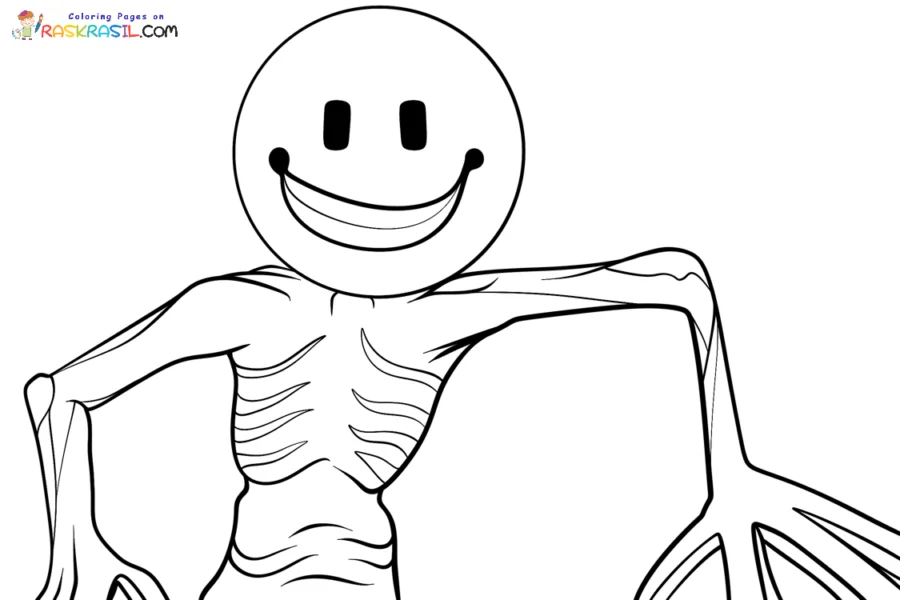
The Raskrasil collection describes 23 coloring pages, in PNG format, intended for A4 and scalable to US Letter. Its images include the normal character, a monster interpretation and fan variants. The count describes that publisher’s collection, not a complete official Verity catalogue.
For a simple activity, choose a single clear line drawing. If you want control over the design and its reuse, make your own with the drawing guide. A transparent character PNG is a different resource from an outlined coloring sheet.
Print without cutting off the drawing
- On the publisher’s page, open the chosen illustration’s full-quality image rather than saving a search thumbnail or screenshot of the page.
- Select the paper actually loaded in your printer: A4 or US Letter. Choose portrait or landscape according to the image.
- Use Fit to printable area or your printer’s equivalent. Check the preview shows every part of the character and leaves a margin; avoid a fill/crop setting that trims limbs.
- Print one test sheet. If a detail is too small or the outline breaks up, return to the larger original instead of increasing a small preview until it blurs.
This is a print-layout method, not a claim that the supplied preview has a particular physical DPI or will fill every printer’s page. For a cutout, leave an outside border around the outline rather than treating a limb or internal line as an official cutting guide.
Coloring sheet, papercraft and 3D file are different
| Desired result | Necessary resource |
|---|---|
| Color a picture | A full line drawing at useful print resolution |
| Make a flat cutout | A chosen image plus your own deliberate outer cutting boundary |
| Fold a paper model | A real net with fold/glue tabs and assembly instructions |
| 3D print a model | A verified 3D file, scale and slicing guidance |
The inspected collection supports coloring sheets. It does not establish a validated papercraft net or printable STL, and the supplied material does not provide verified 3D assembly instructions. A file advertised as free is not automatically a commercial-use grant; keep the publisher’s stated conditions and attribution with it.
For a wearable version, use the costume plan instead of scaling a paper face into a mask without a construction plan.